
Article
How to Get Into IT Support in the UK With No Experience (Practical Roadmap)
A practical UK roadmap for breaking into 1st-line IT support without prior IT experience — covering Windows 11, Active Directory, Microsoft 365, networking basics, and hands-on lab practice.

Direct answer: You do not need a computer science degree or previous IT job title to enter 1st-line IT support in the UK. Most UK service desk employers hire beginners who can demonstrate four practical skills: troubleshooting Windows 11, managing users and permissions in Active Directory / Microsoft Entra ID, administering Microsoft 365, and diagnosing basic TCP/IP networking faults.
Before spending months watching passive video playlists, test where you currently stand with our free IT Skills Assessment. Then follow the four-stage roadmap below.
Stage 1: Master Everyday Windows 11 & Command-Line Triage
On a UK service desk, a large share of daily tickets involve slow machines, broken network drives, Windows Update errors, or misconfigured user profiles. Learning to diagnose faults methodically separates confident junior technicians from people who guess and reboot.
Start by practising built-in Windows diagnostic utilities:
- Event Viewer (
eventvwr.msc) — check System and Application logs for recurring error IDs. - Services & Task Manager (
services.msc) — verify whether Print Spooler, DHCP Client, or DNS Client services are running. - System File Checker — run
sfc /scannowin an elevated terminal to repair corrupted system files. - Group Policy refresh — run
gpupdate /forceandgpresult /rwhen testing domain policies.
When you encounter unfamiliar hexadecimal error codes (such as 0x80070005 Access Denied), look them up quickly with our Windows Error Code Lookup and keep the Windows Run Commands Finder and PowerShell Command Finder bookmarked.
Stage 2: Learn Active Directory & Microsoft 365 Administration
Almost every UK small-to-medium business and enterprise runs either on-premises Active Directory (AD), cloud Microsoft Entra ID (formerly Azure AD), or a hybrid combination of both.
Focus on completing these real-world administrative tasks hands-on:
- User onboarding and offboarding: Create user accounts, assign security groups, enforce Multi-Factor Authentication (MFA), and revoke active sessions cleanly when someone leaves.
- Password resets and account lockouts: Unlock accounts safely after verifying identity, and check lockout sources.
- Microsoft 365 licensing: Understand the practical difference between Business Basic, Business Standard, and Business Premium (which adds Microsoft Intune and Defender for Business). You can compare plans with our Microsoft 365 License Calculator.
- Exchange Online & mail flow: Create shared mailboxes (free under 50 GB), assign Send As / Full Access permissions, and check email authentication records using our SPF Record Generator and DMARC Record Generator.
For official technical documentation, refer directly to Microsoft Learn and test your readiness with our interactive Microsoft 365 Practice Questions.
Stage 3: Build Core TCP/IP Networking Fluency
When a user reports "the internet is down", a 1st-line technician checks layers systematically rather than guessing. Practise these four commands on Windows:
ipconfig /all
ping 8.8.8.8
nslookup binary-tech.co.uk
Get-NetIPConfiguration
- If
ipconfig /allshows an address starting with169.254.x.x(APIPA), the PC failed to obtain an IP address from DHCP. - If
ping 8.8.8.8succeeds butnslookupfails, IP connectivity works and the fault is DNS.
Read our guides on Private Network IP Address Ranges (RFC 1918) and CIDR Notation Explained, and verify subnet ranges with the free IPv4 Subnet Calculator.
Stage 4: Turn Knowledge Into Interview-Ready Evidence
Hiring managers rarely ask you to recite textbook definitions — they give you a short scenario such as "A remote employee cannot sign in to Outlook after a password change. Walk me through what you check."
To prepare effectively:
- Practise live scenarios rather than passive multiple-choice memorisation.
- Document every lab you build (even short notes showing the symptom, root cause, and fix).
- Communicate calmly in plain English — service desk roles are half technical skill, half customer service.
If you want structured, mentor-led labs covering Windows 11, Microsoft 365, Active Directory, and networking fundamentals in four weeks, explore our Express IT On-Boarding Course.
Frequently Asked Questions
Do I need a university degree to get a 1st-line IT support job in the UK?
What are the most important technical skills for entry-level UK IT support?
How can I prove my skills if I have never worked in IT before?
Should I start with IT support foundations or jump straight into Cisco CCNA?
How can I check my current IT skill level before choosing a course?

Written & reviewed by
Founder & Lead Networking Instructor · CCNP · MSc Computer Network Administration & Management
Founder of Binary Tech Institute with over 8 years of experience in computer networking and IT infrastructure, leading live mentor-led cohorts in London and online across the UK.
Keep reading
Related guides
More practical writing on networking, cybersecurity, and IT careers.
 Article
How to Self-Host Ollama and Open WebUI on Ubuntu (Step-by-Step Guide)
Install Ollama and Open WebUI on Ubuntu Linux to run private, self-hosted large language models locally without sending prompts to external cloud APIs.
Read article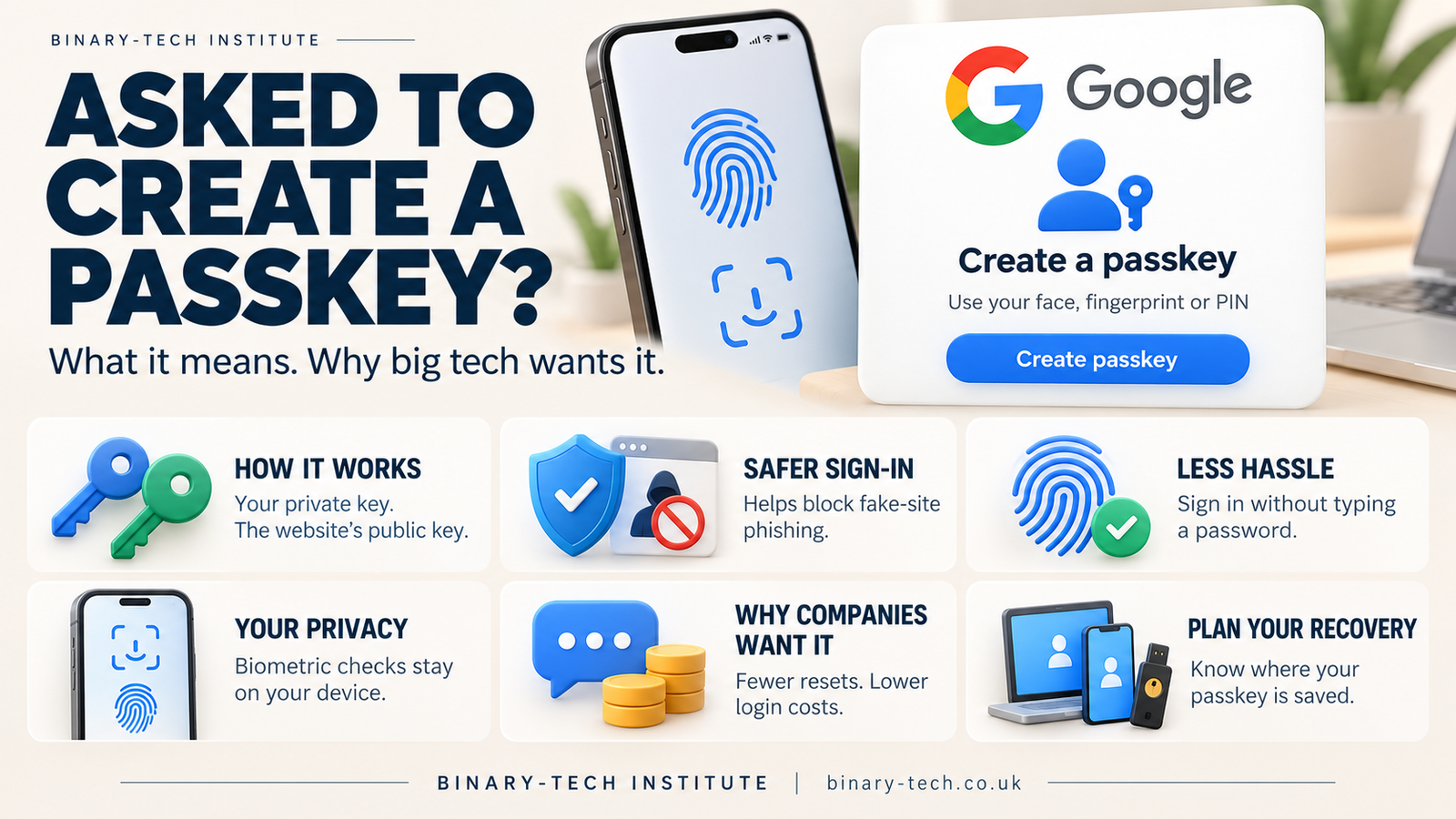 Article
What Is a Passkey, and Why Are Websites Asking You to Create One?
Keep seeing “Create a passkey” when you sign in? Discover how passkeys work, why major tech companies are promoting them and what happens if you lose your phone.
Read article Article
When the Cloud Lost Power: How a London Outage Disrupted Revolut
A Google Cloud outage in London disrupted Revolut on 20 October 2026. Here is what happened, why recovery took time and what businesses can learn about resilience.
Read articleReady to learn with a mentor?
Turn what you just read into hands-on skill with a live Binary Tech cohort.