
Article
How to Self-Host Ollama and Open WebUI on Ubuntu (Step-by-Step Guide)
Install Ollama and Open WebUI on Ubuntu Linux to run private, self-hosted large language models locally without sending prompts to external cloud APIs.
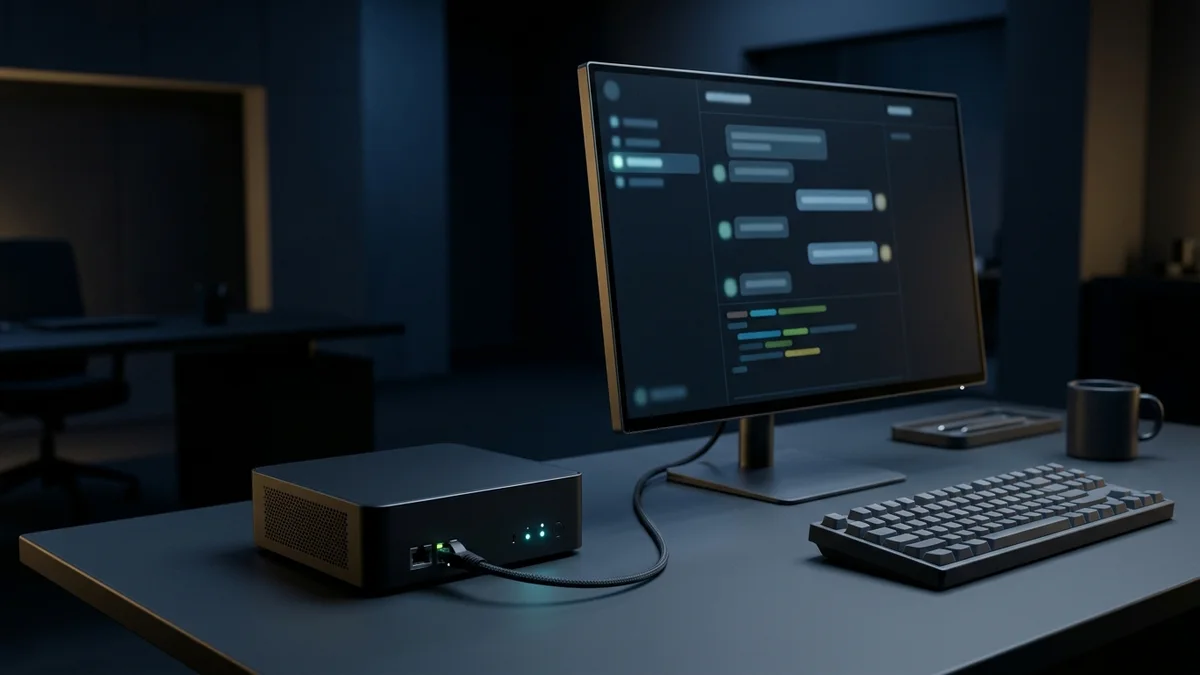
Direct answer: To run a private, ChatGPT-style AI assistant on Ubuntu Linux, install Ollama to serve open-weight models locally on port 11434, then run Open WebUI in Docker to provide a browser interface — keeping all prompts, documents, and model inference on your own hardware.
Hardware & RAM Sizing (CPU vs GPU)
Before installing, match your model size to your available RAM or GPU VRAM. Running a model that exceeds memory forces disk swapping and slows responses to a crawl.
Model Size (4-bit Quantised)Minimum RAM / VRAMTypical Use Case3B–4B (e.g.,llama3.2:3b, phi3)8 GB RAM (CPU) or 4–6 GB VRAMFast notes, summaries, basic scripting7B–8B (e.g., llama3.1:8b, mistral)16 GB RAM (CPU) or 8 GB VRAMGeneral assistant, coding help, local RAG14B–32B (e.g., qwen2.5:14b)32 GB RAM or 16–24 GB VRAMStronger reasoning and technical documentation
Step 1: Install Ollama on Ubuntu
Update your Ubuntu packages and run the official Ollama Linux installer:
sudo apt update && sudo apt upgrade -y
curl -fsSL https://ollama.com/install.sh | sh
Verify that the ollama systemd service is active and listening locally:
systemctl status ollama --no-pager
ollama --version
Pull and test a lightweight model in the terminal:
ollama run llama3.2:3b "Explain the difference between TCP and UDP in two sentences."
Step 2: Install Docker & Launch Open WebUI
If Docker is not yet installed on your Ubuntu host, install the official Docker engine (see Ubuntu Server & Docker docs), then launch Open WebUI connected to your local Ollama instance:
docker run -d \
  --name open-webui \
  --network=host \
  -v open-webui:/app/backend/data \
  -e OLLAMA_BASE_URL=http://127.0.0.1:11434 \
  --restart always \
  ghcr.io/open-webui/open-webui:main
Using --network=host on a single Ubuntu machine lets Open WebUI reach Ollama at http://127.0.0.1:11434 without exposing Ollama directly to your wider network. Open your browser and visit http://<your-ubuntu-ip>:8080 to create your first local admin account.
Step 3: Lock Down Your Firewall (UFW)
Never leave unauthenticated AI endpoints open to the public internet. On Ubuntu, configure UFW to allow only SSH and your chosen interface port (or put Open WebUI behind an HTTPS reverse proxy such as Nginx or Caddy):
sudo ufw default deny incoming
sudo ufw default allow outgoing
sudo ufw allow 22/tcp
sudo ufw allow from 192.168.1.0/24 to any port 8080 proto tcp
sudo ufw enable
sudo ufw status
If you are publishing Open WebUI on a domain behind HTTPS, verify your open ports with our Port Checker and inspect your TLS certificate with our SSL Certificate Checker. If you use Docker Compose, validate your configuration syntax first with the YAML Validator.
Next Steps: From Local Chat to RAG & AI Agents
Once Ollama and Open WebUI are running smoothly, you can connect local documents via Retrieval-Augmented Generation (RAG) and build private AI workflows.
- New to Linux servers? Read 5 Real Linux Server Projects for Beginners or join our free Host AI From Zero (2-Hour Workshop).
- Ready to build production RAG pipelines and AI agents? Explore our Advanced Self-Hosted AI System Course.
Frequently Asked Questions
Do I need an expensive NVIDIA GPU to run Ollama on Ubuntu?
Does self-hosting Ollama keep my prompts completely private?
What port does Ollama listen on by default?
Why pair Ollama with Open WebUI?
Can I learn this live with an instructor?

Written & reviewed by
Founder & Lead Networking Instructor · CCNP · MSc Computer Network Administration & Management
Founder of Binary Tech Institute with over 8 years of experience in computer networking and IT infrastructure, leading live mentor-led cohorts in London and online across the UK.
Keep reading
Related guides
More practical writing on networking, cybersecurity, and IT careers.
 Article
How to Get Into IT Support in the UK With No Experience (Practical Roadmap)
A practical UK roadmap for breaking into 1st-line IT support without prior IT experience — covering Windows 11, Active Directory, Microsoft 365, networking basics, and hands-on lab practice.
Read article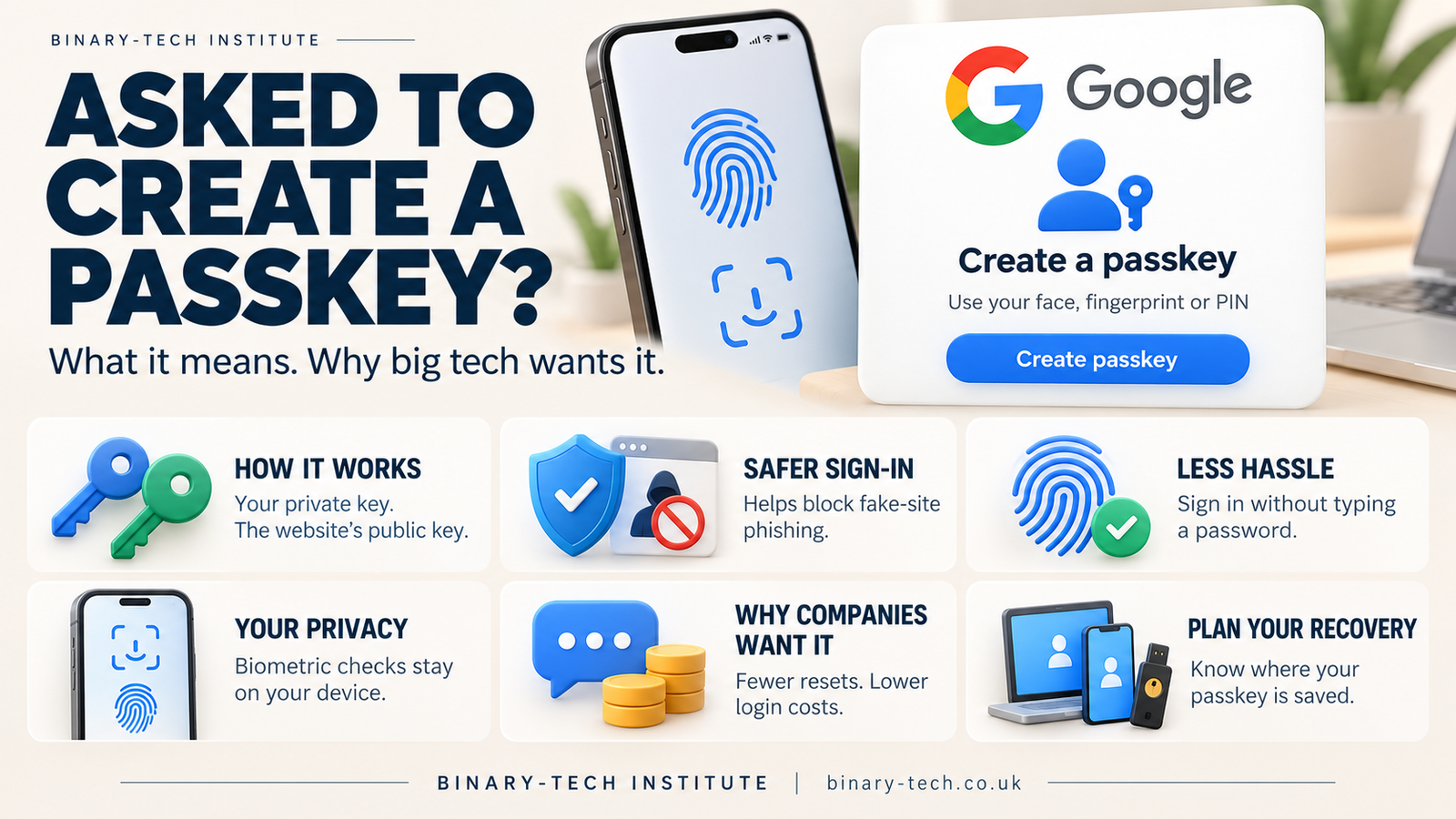 Article
What Is a Passkey, and Why Are Websites Asking You to Create One?
Keep seeing “Create a passkey” when you sign in? Discover how passkeys work, why major tech companies are promoting them and what happens if you lose your phone.
Read article Article
When the Cloud Lost Power: How a London Outage Disrupted Revolut
A Google Cloud outage in London disrupted Revolut on 20 October 2026. Here is what happened, why recovery took time and what businesses can learn about resilience.
Read articleReady to learn with a mentor?
Turn what you just read into hands-on skill with a live Binary Tech cohort.